Introduction
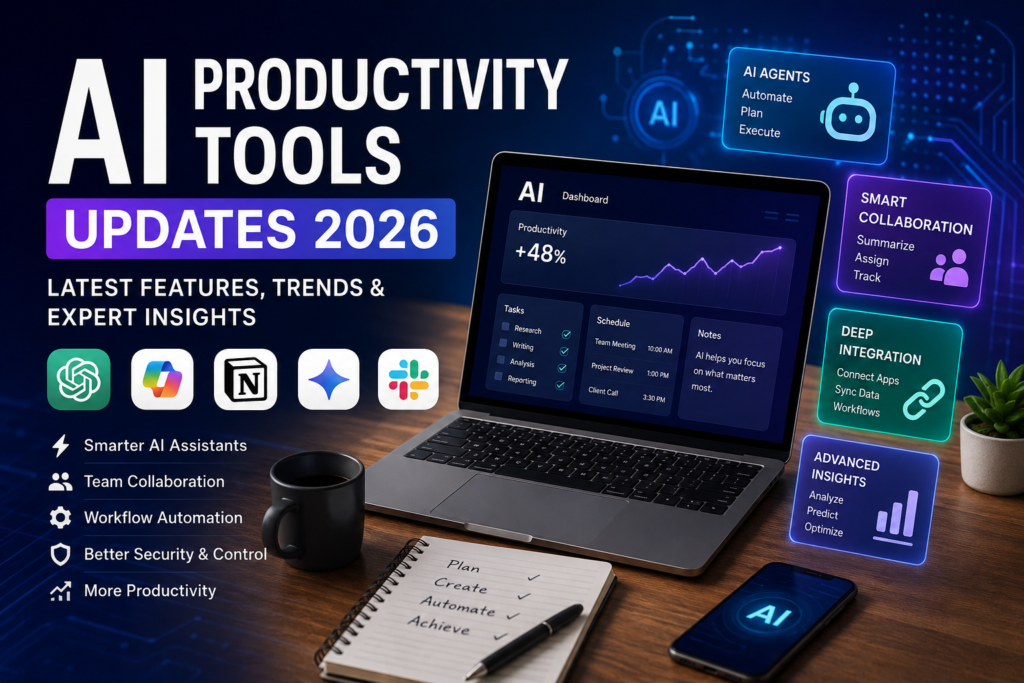
Artificial intelligence has officially moved beyond being just another workplace assistant. Throughout 2026, AI productivity tools have evolved into intelligent collaborators capable of managing projects, summarizing meetings, researching information, automating repetitive workflows, generating presentations, analyzing spreadsheets, and even coordinating tasks across multiple applications.
Whether you’re a freelancer, marketer, developer, entrepreneur, or enterprise team leader, staying updated with the latest AI productivity tools updates 2026 can significantly improve the way you work.
The biggest shift isn’t simply better AI models—it’s how these tools now integrate deeply into existing workflows. Instead of switching between multiple applications, modern AI assistants work directly inside email clients, office suites, project management platforms, and communication tools.
In this guide, we’ll explore the most important AI productivity tools updates in 2026, emerging trends, practical use cases, and how you can build a smarter workflow without overwhelming yourself with dozens of AI subscriptions.
Why 2026 Is a Turning Point for AI Productivity
The AI landscape changed rapidly over the past year.
Instead of asking AI to generate isolated responses, users now expect it to:
- Understand ongoing projects
- Remember previous conversations
- Connect multiple applications
- Automate repetitive workflows
- Collaborate with teams
- Complete multi-step tasks with minimal supervision
This evolution is often called Agentic AI, where AI systems don’t simply answer questions—they actively help complete work under human supervision. Research throughout 2026 shows that this shift is reshaping knowledge work, particularly in software development and business operations. Independent studies report measurable productivity improvements when AI is integrated thoughtfully into daily workflows.
The Biggest AI Productivity Tools Updates 2026
1. ChatGPT Becomes More Workflow-Oriented
OpenAI continued expanding ChatGPT beyond conversational AI.
Recent improvements focus on:
- Better document handling
- More reliable research assistance
- Improved memory for ongoing projects
- Stronger coding capabilities
- Deeper productivity integrations
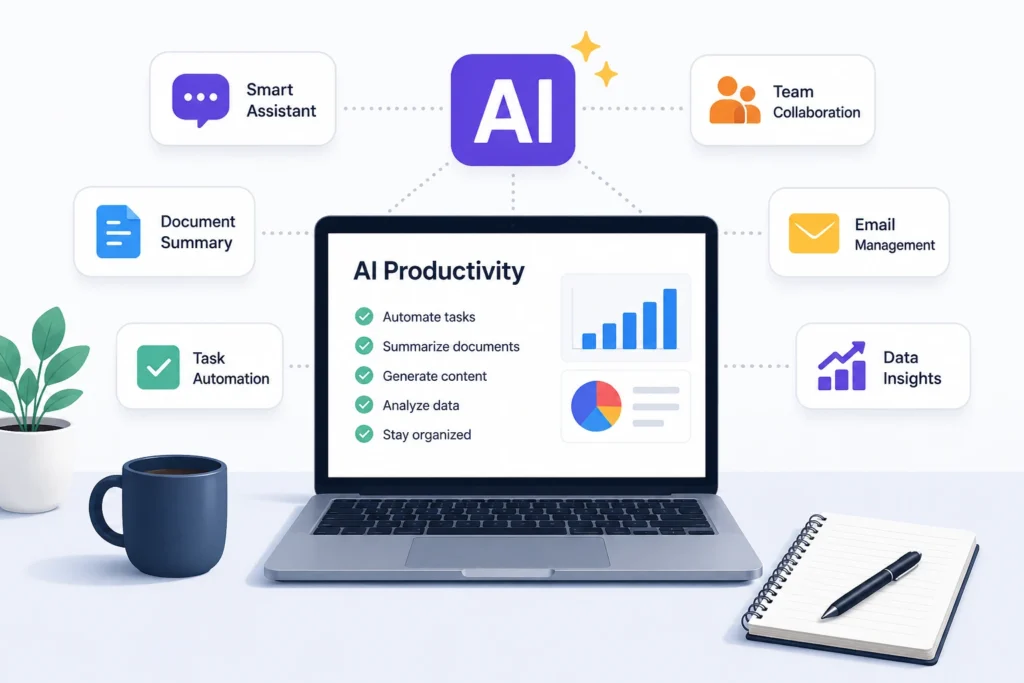
Instead of acting like a chatbot, ChatGPT increasingly functions as a personal work assistant capable of helping users manage complex tasks over extended periods.
2. Claude Expands Into Team Collaboration
One of the biggest AI productivity tools updates 2026 comes from Anthropic.
Claude is no longer limited to one-on-one conversations.
New collaboration features allow teams to:
- Mention Claude directly inside Slack
- Summarize conversations
- Identify action items
- Track ongoing discussions
- Surface important updates automatically
This makes AI feel less like another app and more like an active teammate participating inside workplace communication.
3. Microsoft Copilot Evolves Beyond Office Automation
Microsoft continues investing heavily in Microsoft 365 Copilot.
The latest improvements include:
- Multi-model support
- AI task delegation
- Workflow automation
- Budget controls for enterprise AI usage
- Plugin ecosystem expansion
Rather than simply drafting Word documents or emails, Copilot increasingly coordinates tasks across Outlook, Teams, Excel, and PowerPoint, reducing repetitive administrative work.
4. Notion AI Becomes a Smarter Knowledge Hub
Notion AI remains one of the most practical AI productivity platforms.
2026 improvements focus on:
Knowledge Management
AI understands entire workspaces instead of individual pages.
Meeting Summaries
Automatic notes and action items reduce manual documentation.
Content Creation
Teams can quickly draft documentation, SOPs, project briefs, and reports.
Smart Search
Instead of keyword searches, users can ask questions in natural language.
5. Google Continues Expanding AI Across Workspace
Google continues integrating Gemini throughout Workspace.
Popular improvements include:
- Better Gmail drafting
- Smarter Google Docs editing
- Spreadsheet assistance
- Calendar scheduling
- Presentation generation
For organizations already using Google Workspace, AI now feels like a native part of everyday productivity.
The Rise of AI Agents
Perhaps the biggest productivity trend isn’t any individual tool.
It’s the rise of AI agents.
Unlike traditional assistants, AI agents can:
- Plan projects
- Execute multiple tasks
- Connect applications
- Track progress
- Handle repetitive operations
Instead of asking AI to write one email, users increasingly ask it to:
“Research competitors, summarize findings, draft outreach emails, organize the results, and prepare tomorrow’s meeting agenda.”
This represents one of the most significant changes in workplace automation.
Practical Ways Businesses Are Using AI in 2026
Organizations now rely on AI productivity tools for far more than content writing.
Customer Support
- Drafting responses
- Ticket summarization
- Knowledge retrieval
Marketing
- Campaign planning
- SEO research
- Social media ideas
- Content briefs
Human Resources
- Job descriptions
- Interview summaries
- Employee onboarding documentation
Software Development
- Code reviews
- Bug analysis
- Documentation
- Test generation
Sales
- Proposal writing
- CRM updates
- Lead research
- Meeting preparation
Benefits of Modern AI Productivity Tools
Businesses adopting AI responsibly are experiencing several advantages.
Faster Workflows
Routine administrative work now takes minutes instead of hours.
Better Collaboration
AI helps teams stay aligned through summaries and shared context.
Improved Decision-Making
AI quickly analyzes large amounts of information.
Reduced Repetitive Tasks
Professionals spend more time solving problems rather than formatting documents.
Consistent Documentation
Reports, meeting notes, and SOPs become standardized across teams.
Common Mistakes to Avoid
While AI has improved dramatically, users still make several mistakes.
Blindly Trusting AI
Always verify facts, financial figures, and legal information.
Using Too Many Tools
Many users subscribe to several overlapping AI products without improving productivity.
Ignoring Privacy Policies
Avoid uploading confidential business information unless the platform provides appropriate enterprise privacy protections.
Poor Prompting
Specific instructions consistently produce better results than vague requests.
Best Practices for Using AI Productivity Tools
To maximize value:
- Start with one or two AI platforms.
- Build repeatable prompt templates.
- Review AI-generated work before publishing.
- Keep sensitive data protected.
- Use AI to accelerate thinking—not replace critical thinking.
- Measure time saved to evaluate return on investment.
Emerging Trends to Watch
Several developments are expected to shape the next generation of AI productivity.
Multi-Agent Collaboration
Different AI assistants working together on complex workflows.
Long-Term Memory
AI remembering ongoing projects across weeks or months.
Cross-Platform Automation
AI coordinating multiple business applications automatically.
Personalized AI Workspaces
Assistants adapting to each individual’s communication style and workflow.
Stronger Enterprise Governance
Organizations increasingly demand security, compliance, and transparent AI controls as adoption grows.
Personal Experience
Over the past year, I experimented with several AI productivity tools while managing research, writing, and project planning. Initially, I tried using a different tool for every task—one for writing, another for meetings, another for notes, and yet another for automation. Instead of saving time, I found myself constantly switching between platforms.
The biggest improvement came when I simplified my workflow. I began using one primary AI assistant for research and drafting, a project management tool with built-in AI for organizing tasks, and an automation platform for repetitive actions. That combination reduced context switching and made AI feel like part of my daily routine rather than an extra layer of work.
One lesson stood out: AI delivers the best results when paired with clear instructions and human judgment. It can dramatically speed up first drafts, summaries, and brainstorming, but reviewing the output remains essential for accuracy and quality.
Frequently Asked Questions
What are the biggest AI productivity tools updates in 2026?
Which AI productivity tool is best for businesses?
Are AI productivity tools replacing employees?
Can small businesses benefit from AI productivity tools?
Are AI productivity tools secure?
What is an AI agent?
Should I pay for AI productivity tools?
Disclaimer: AI features and product capabilities evolve rapidly. The information in this article is accurate to the best of our knowledge at the time of publication. Features, pricing, and availability may change over time, so we recommend checking each provider’s official website for the latest updates.
Conclusion
The latest AI productivity tools updates 2026 show that artificial intelligence is becoming an essential part of modern work rather than an optional add-on. Today’s platforms don’t just generate text—they help organize projects, automate workflows, collaborate with teams, and streamline everyday business operations.
The smartest approach isn’t adopting every new AI tool that appears. Instead, identify the repetitive tasks consuming the most time, choose a small set of reliable platforms, and integrate them thoughtfully into your workflow. As AI continues evolving toward more capable agents and deeper workplace integration, professionals who combine these tools with strong critical thinking and domain expertise will be best positioned to work more efficiently without sacrificing quality.
External Resources
- OpenAI Official Blog: https://openai.com/news/
- Microsoft AI & Copilot: https://www.microsoft.com/copilot
- Anthropic Newsroom: https://www.anthropic.com/news
Visit: Swifttech3