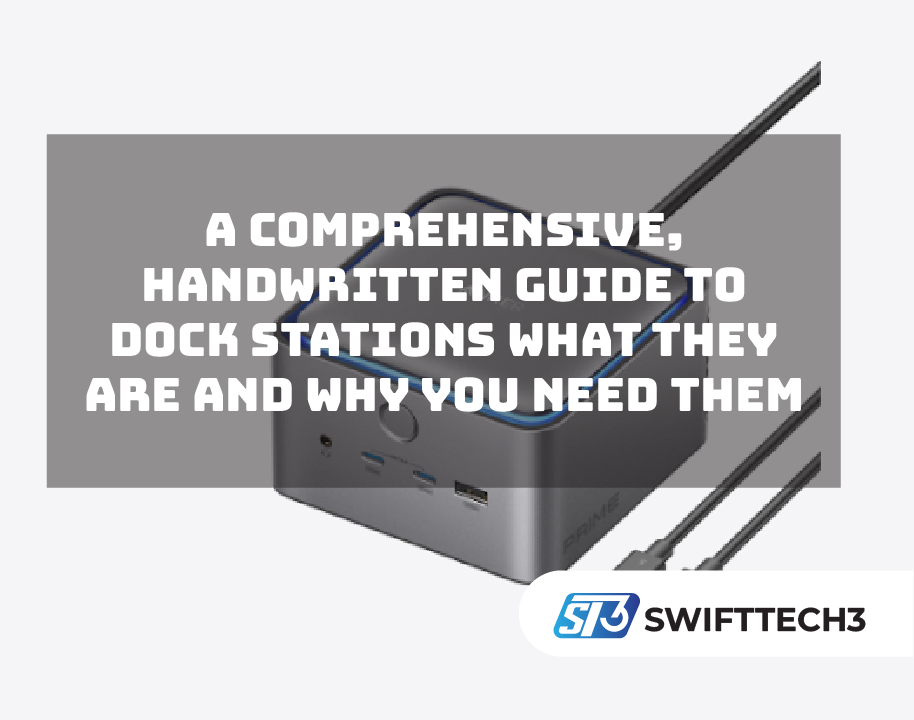
Smaller, lighter, and more portable gadgets are essential to our everyday lives as technology advances more quickly than before. Although this contemporary design is practical, it frequently leaves us with a common issue: insufficient ports. This is exactly where a dock station becomes a lifesaver. It brings back the connectivity that lightweight laptops sacrificed and gives you the freedom to build a complete workstation without stress.
A Dock Station: What Is It?
A dock station is a small gadget that increases the functionality of your tablet or laptop. You connect all of your devices—monitor, keyboard, mouse, charger, storage drives, and audio devices—to the dock rather than plugging them straight into your laptop. The dock then instantly connects everything to your laptop using a single cable.
It’s similar to transforming your laptop into a powerful desktop computer without sacrificing portability.
Why Dock Stations Have Become Essential Today
You may not realize how much you need a dock station until you start using one. Here’s why so many people rely on them now:
A more tidy and well-organized desk
A dock station makes things easier if your workspace feels disorganized and cluttered with cables and chargers. Five or six separate wires spread across your desk can be replaced with a single cable connected to your laptop.
Perfect for Remote Work
Whether you’re working from home or switching between home and office, a dock station helps you plug in and get to work in seconds. No more connecting devices one by one.
More Screens, More Productivity
Many professionals use two or three monitors to work faster. A dock station makes this simple by supporting multiple display outputs such as HDMI or DisplayPort, allowing easy dual or even triple monitor setups.
Quicker, More Dependable Links
Although wireless technology is fantastic, wired connections are still quicker and more reliable for tasks like:
- Transfers of large files
- Stable internet
- Video conferences
- High-quality video output
A dock station handles all of this without slowing down your laptop.
Extend the Life of Your Laptop
Every time you plug a cable into your laptop, you slightly wear out the port. A dock station takes that wear and tear instead, keeping your laptop ports safe over time.
Various Dock Station Types
Dock stations differ in how they operate. The devices you use and the way you work will determine which one is best for you.
Dock Stations for USB-C
These days, they are the most prevalent. They support fast data transfer, display output, and charging, making them perfect for modern laptops.
Thunderbolt Dock Stations
These offer the highest performance. They are perfect for anyone who works with large files or 4K/8K monitors, including designers and video editors.
Travel-Friendly Dock Stations
These are lightweight and compact. They are ideal for people who work in classrooms, hotels, cafés, or while on the go.
All-purpose docking stations
These are ideal if you use multiple systems or switch between laptops, as they are designed to support both newer and older devices.
Key Features You Should Look For
Although a dock station may appear straightforward, each model has unique features. Consider the following before purchasing one:
Port Count
Choose a dock that can accommodate all the devices you use daily, such as USB drives, monitors, Ethernet, speakers, and card readers.
Power for Charging
This step is often overlooked. Make sure the dock station provides sufficient wattage if you want it to charge your laptop. Some laptops require 65W, while others need 90W or more. Also, check whether the dock supports pass-through charging, which allows your laptop to charge directly through the dock without needing a separate power adapter.
Support for Display
Do you want two monitors? Three monitors? 4K or 8K?
Before buying, carefully review the dock’s display capabilities.
Compatibility
Not every dock works with every laptop. Some are made specifically for:
- Windows
- macOS
- Chromebook
- Tablets
Always verify compatibility before purchasing.
Build Quality
A good dock station should manage heat well and last for years. Metal builds, such as aluminum, generally provide better cooling and durability.
The Everyday Benefits Of A Dock Station
Once you start using a dock station, it quickly becomes part of your daily routine. Here’s how it helps:
- Faster Workflows – Your complete workstation comes alive when you connect a single cable.
- Better Multitasking – More ports mean more devices, more tools, and greater efficiency.
- Less Time Wasted – No more searching for cables or switching devices manually.
- Better Internet Stability – A wired Ethernet connection through a dock is revolutionary for video calls and online gaming.
- A Professional Setup – Everything looks cleaner, more contemporary, and more effective.
Who Should Purchase A Dock Station?
A dock station is useful for almost everyone, but it’s especially helpful for:
- Remote workers
- Business professionals
- Students
- Content creators
- Gamers
- Graphic designers
- Programmers
- Anyone who uses multiple screens
If you rely on your laptop daily, a docking station can instantly improve your workflow.
Tips For Choosing The Right Dock Station
Here are some simple but important tips:
- Choose one with more ports than you currently need
- Make sure it supports your laptop’s power requirements
- Check how many monitors it supports
- Prefer metal designs for better cooling
- Read reviews to avoid laggy or low-quality options
FAQ’s
Do docking stations work with all laptops?
Not all docking stations are universal. Compatibility depends on your laptop’s ports and operating system. Always check whether the dock supports USB-C or Thunderbolt and if it’s designed for Windows, macOS, or Chromebook before buying.
Can a docking station charge my laptop while in use?
Yes, many modern docking stations support laptop charging through a feature called power delivery or pass-through charging. However, you must ensure the dock provides enough wattage (such as 65W or 90W) to meet your laptop’s power requirements.
Is a docking station better than using adapters and hubs?
A docking station is usually a better long-term solution. It offers more ports, better stability, cleaner cable management, and faster connections compared to using multiple adapters or small hubs separately.
Conclusion
A dock station is one of those gadgets that quietly changes how you work. It boosts productivity, keeps your desk organized, and gives your laptop the connectivity it needs. Whether you require multiple monitors, faster data transfer, or simply a cleaner workspace, a dock station is a smart and practical investment.
Visit our website: Swifttech3